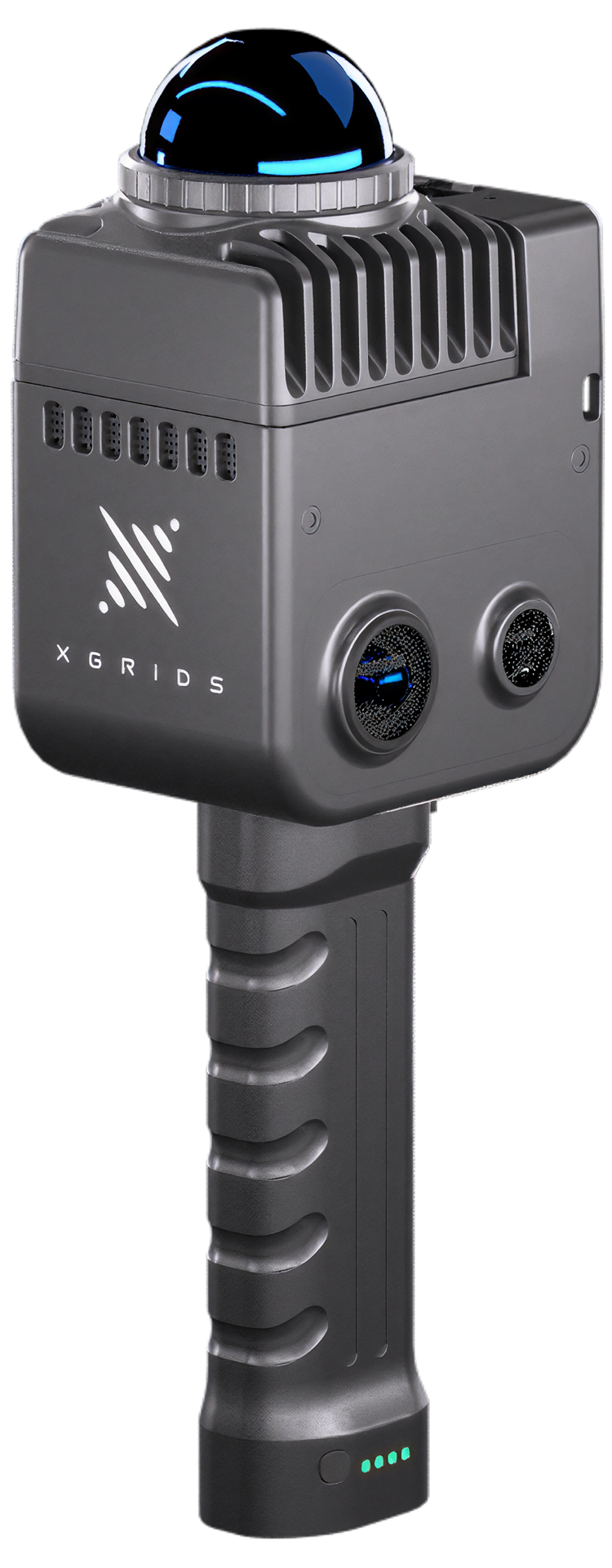
~1 kg · 200,000 pts/s · 360°×360° panoramic vision · Point cloud + 3DGS
Key specs
±1.2 cm
Relative accuracy
200k
Points per second
40–70 m
Scan range by reflectivity
~1 kg
Weight with battery
Why it matters
Why the Lixel K1 matters.
Lightest entry into SLAM LiDAR
At roughly 1 kg with battery, the K1 is the easiest Lixel device to carry, learn, and operate — single-operator capture with one-button operation and a low learning curve.
True panoramic capture
Dual 48 MP panoramic cameras and a 360° LiDAR give full spherical coverage — colourised point clouds with visual context in every direction, captured in a single walk.
Same XGRIDS ecosystem
K1 data flows through the same LixelGO, LixelStudio, and Lixel CyberColor pipeline as the K2 — point clouds for CAD/BIM and photorealistic 3DGS scenes from one capture.
Capabilities
Compact body, complete workflow.
Multi-SLAM positioning
Laser, visual, and IMU fusion keeps tracking stable in dark corridors, feature-sparse rooms, and GPS-denied spaces.
Real-time colour point cloud
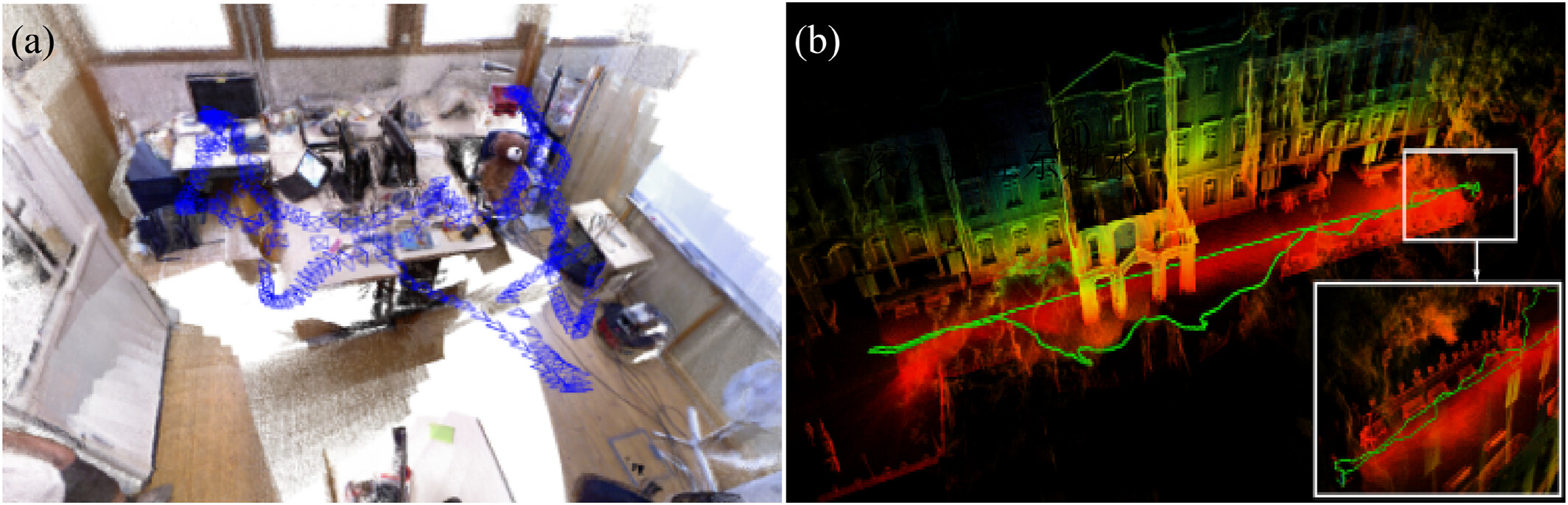
Review the model live in the LixelGO app during capture — spot gaps and fill them before leaving site.
Optional RTK module
An add-on RTK module enables georeferenced output where absolute positioning is required.
Site-ready build
Aluminium body, IP54 rating, and −20 °C to 50 °C operating range — built for real site conditions.
Use cases
Workflows the K1 is relevant for.
Indoor as-built capture
Walk floors, rooms, and corridors to record existing conditions quickly.
GPS-denied environments
Basements, plant rooms, tunnels, and underground spaces where satellites can't reach.
Training & familiarisation
A forgiving first scanner for teams building handheld SLAM experience.
Scan-to-BIM reference
Interior point clouds your BIM team can model against for smaller buildings.
Property & venue digitisation
Digitise apartments, retail units, and venues for planning and walkthroughs.
Heritage interiors
Archive culturally significant interiors with full panoramic colour context.
3DGS content capture
Inputs for photorealistic, browser-viewable Gaussian Splatting scenes.
Pre-renovation documentation
Record spaces before design or demolition work begins.
Specifications
Lixel K1 specifications.
Specifications and outputs depend on device configuration, software workflow, site conditions, and processing requirements. Confirm project requirements before any arrangement.
Choose the K1 when weight, simplicity, and indoor capture are the priorities. Choose the K2 when you need built-in RTK georeferencing, mesh output, or mixed indoor-outdoor coverage in one device.
Recommendation
When to choose the K2 instead.
For most Singapore rental projects the K2 is the practical choice — it covers the K1's indoor capability and adds built-in RTK georeferencing, the multi-camera workflow, and broader output options.
Your site mixes indoor and outdoor capture
You need georeferenced point clouds without an add-on module
You want colourised capture for review and communication
You plan to test point cloud, mesh, and 3DGS outputs
The Lixel K1 is available to rent in Singapore. Share your dates, site type, and intended outputs and we'll advise whether the K1 or a K2 rental fits better.
What is the difference between the Lixel K1 and Lixel K2?
The K1 is the lighter, entry-level handheld SLAM scanner — ~1 kg, ±1.2 cm relative accuracy, optional RTK module. The K2 adds built-in RTK, a multi-camera array, mesh output, and tighter 1 cm relative accuracy, making it better suited to mixed indoor-outdoor and georeferenced workflows.
Does the Lixel K1 work without GPS?
Yes. The K1 uses Multi-SLAM positioning that fuses laser, visual, and IMU data, so it maps reliably in GPS-denied environments — basements, plant rooms, tunnels, and dense interiors.
Can the Lixel K1 produce 3DGS models?
Yes — K1 captures can be processed through Lixel CyberColor (LCC) into photorealistic 3D Gaussian Splatting scenes, alongside standard point cloud outputs from LixelStudio.
Is the Lixel K1 accurate enough for Scan-to-BIM?
With ±1.2 cm relative accuracy the K1 produces point clouds suitable as a reference layer for BIM modelling of interiors and smaller buildings. For georeferenced or mixed indoor-outdoor Scan-to-BIM work, the K2's built-in RTK is the stronger fit.
What software does the Lixel K1 use?
LixelGO (mobile app) controls capture and shows a real-time preview; LixelStudio handles point cloud processing, editing, and export; Lixel CyberColor (LCC) generates 3D Gaussian Splatting models.
Comparing XGRIDS handheld devices?
Tell us your environments and intended outputs — we'll help you work out whether the K1 or K2 fits your project.